
Disclosure: Wallstores is reader-supported. As an Amazon Associate, we earn from qualifying purchases made through links on this page, at no extra cost to you. Learn more.
How We Choose the Products We Recommend
We don’t have a warehouse full of gear to physically put through its paces — what we do instead is disciplined research. For every guide, we start with the manufacturer’s published specifications and compare them directly against competing models in the same price range. We track real, current pricing across retailers, not list prices that never actually apply, so the numbers in our comparisons reflect what you’d actually pay today. And we read, in bulk, through verified customer reviews and independent expert coverage for each product, looking for recurring complaints, common praise, and the patterns a single glossy product page won’t tell you.
Where we’ve personally bought and used a product ourselves — currently true for many of the kitchen items we cover — we say so directly in the review, and that firsthand experience shapes what we highlight. For everything else, our pros-and-cons calls come from that cross-referenced research process, not a single source or a rewritten spec sheet. We revisit guides periodically as prices shift and new models launch, and we link to multiple retailers where possible so you’re not stuck with just one option.

Ugo Daniel researches, compares, and writes the buying guides on Wallstores, cross-checking manufacturer specs, verified pricing, and real customer feedback across tech, home, fitness, and pet categories. He’s personally bought and used many of the kitchen appliances featured on the site, and draws on that firsthand experience in those reviews.
Last updated: October 2026 · Written by Ugo Daniel, founder of Wallstores
Smart plug specs look simple on the surface, but the details that matter most aren’t always what brands lead with. Here’s what to actually check, based on comparing six current, real Amazon listings.


Amp / Wattage Rating
Most smart plugs are rated for 15A (1800W), which covers lamps, fans, and most small electronics, but not high-draw appliances like space heaters or window AC units. Always check the amp rating before plugging in anything that draws significant power.
Matter Support Is the Future-Proofing Question
Matter is a cross-brand smart-home standard that lets a single plug work natively with Apple Home, Alexa, and Google Home without needing brand-specific skills or apps. Of the plugs we compared, the Tapo P125M is Matter-certified; most older-generation plugs, including the classic Kasa HS103, are not.
Energy Monitoring
Only some smart plugs track how much power a device is actually drawing. If you want to identify which appliances are driving your electric bill, look specifically for “energy monitoring” in the listing — it’s not a given feature, even on well-reviewed plugs.
Hub-Free WiFi vs. Hub-Based Systems
Every plug in our comparison connects directly to WiFi with no separate hub required, which is now the standard for smart plugs specifically (unlike some smart bulbs or locks that still require a bridge).
Voice Assistant Compatibility
Check whether a plug supports your specific ecosystem natively. Some, like the Amazon Smart Plug, are built around one assistant (Alexa) specifically; others, like Matter-certified models, work equally well across Apple Home, Alexa, and Google Home.
Review Volume vs. Rating
A 4.6-star rating built on 150,000+ reviews (Kasa) is a far more reliable signal than a similar rating built on a few hundred or a couple thousand reviews from a newer entrant. Established brands with years on the market simply have more data behind their average.
What You Should and Shouldn’t Plug In
A smart plug simply cuts or restores power. That works perfectly for devices that turn on by themselves when power returns: lamps left switched on, string lights, fans with mechanical switches, coffee makers with a simple on/off toggle, and chargers.
It does not work well for devices with electronic push-button controls. Many TVs, air purifiers and modern coffee makers stay off when power is restored until someone presses a button. Before you buy, unplug the device, plug it back in, and see whether it comes back on by itself.
Also avoid using standard indoor smart plugs with space heaters, even when the wattage looks within the rating. Many heater and plug makers advise against it, because heaters draw high current for hours. Plug heaters straight into the wall.
Size and Outlet Blocking
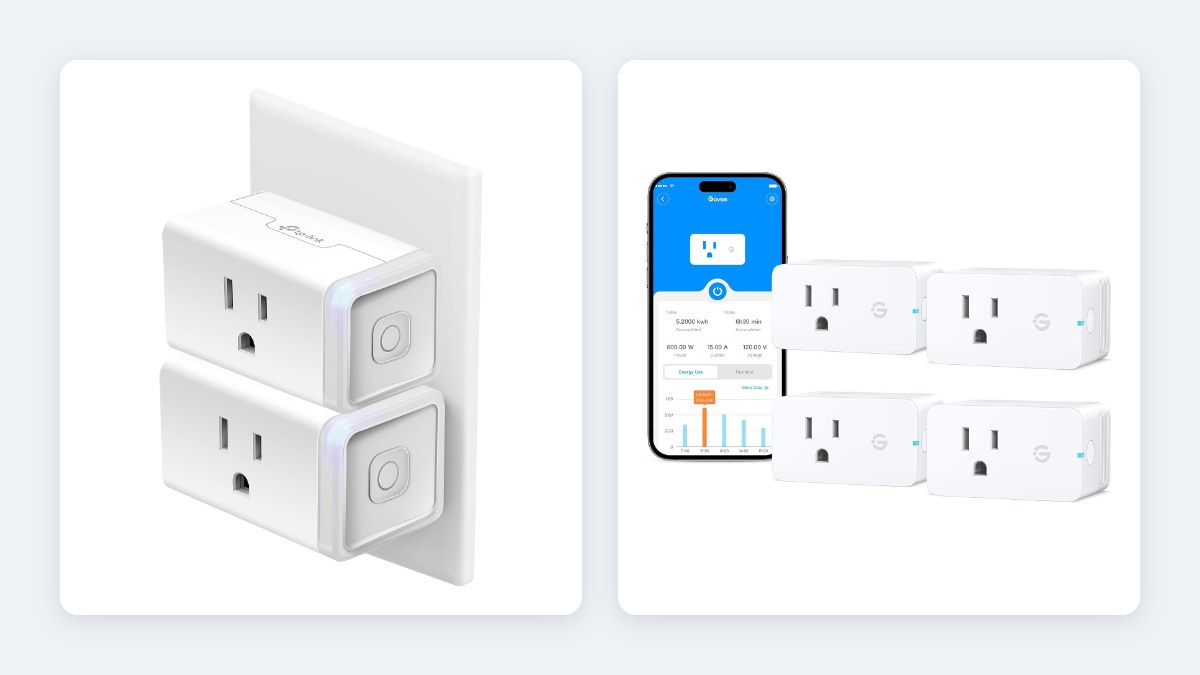
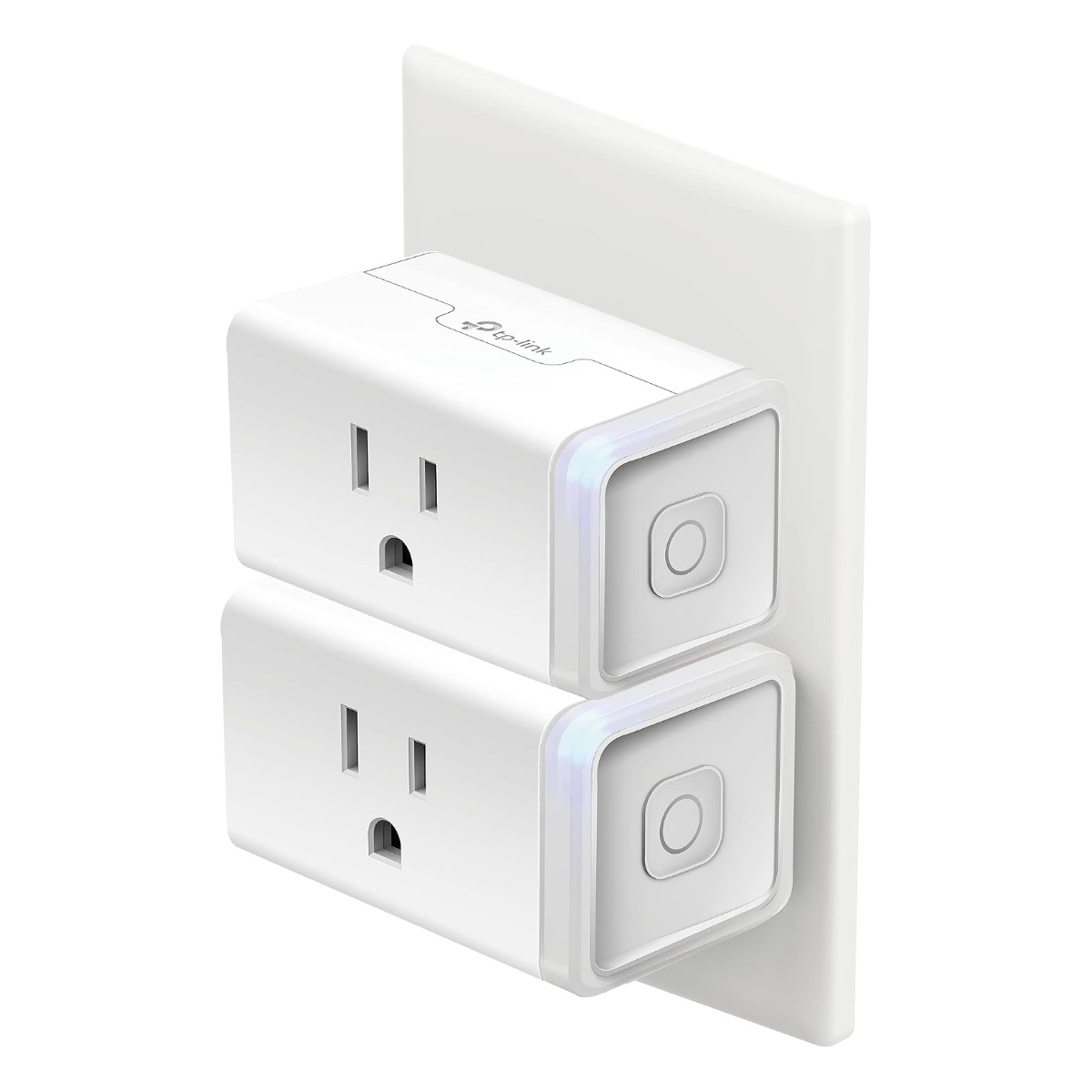
Bulky smart plugs can cover the second outlet on a duplex wall socket. If you want to use both outlets, look for a slim or mini design, or a two-outlet plug like the Amazon Smart Plug 2-pack. Check the dimensions in the listing photos against your outlet layout.
Indoor vs. Outdoor Plugs
Indoor plugs are not built for rain or condensation. For porch lights, holiday displays or pond pumps, buy a plug that is specifically rated for outdoor use, with a weather-resistance rating and covered outlets.
Wi-Fi Setup
Most smart plugs, including Kasa’s, connect only to 2.4 GHz Wi-Fi. If your router broadcasts 2.4 GHz and 5 GHz under one network name, setup may fail. Temporarily separate the bands, or set up the plug near the router. Also think about scale: adding dozens of Wi-Fi devices can strain basic routers, which is one reason Matter and Thread devices are becoming popular.
Useful Features Beyond On/Off
- Schedules and timers: turn lamps on at sunset or switch off a fan after an hour.
- Away mode: randomly switches lights on and off to make the house look occupied.
- Routines: group plugs so one voice command turns several devices on or off.
- Physical button: lets you control the device by hand when the app or Wi-Fi is down.
Is Energy Monitoring Worth It?
Energy monitoring shows how many kilowatt-hours a device uses. To estimate cost, multiply kWh by your electricity rate. For example, a device that uses 1.5 kWh a day at $0.17 per kWh costs about $0.26 a day, or around $93 a year. That is useful for finding power-hungry appliances like old fridges, dehumidifiers or always-on gaming PCs. If you just want lights on a schedule, skip it and save money.
Frequently Asked Questions
Do smart plugs work without the internet?
The physical button always works. Schedules often run on the plug itself, but remote control and voice control usually need an internet connection, unless the plug supports local control through Matter or a hub.
Do smart plugs use much electricity themselves?
Very little. Standby use is typically around 1 watt or less per plug.
Are smart plugs safe?
Choose plugs with a recognized safety certification (such as UL or ETL), stay within the amp rating and avoid daisy-chaining them into power strips.
Bottom Line
Match the plug to your actual ecosystem and needs: energy monitoring if you want usage data, Matter certification if you want flexibility across assistants, and a high review count if you just want proven reliability at the lowest risk.
Related Guides
Ugo Daniel researches, compares, and writes the buying guides on Wallstores, cross-checking manufacturer specs, verified pricing, and real customer feedback across tech, home, fitness, and pet categories. He’s personally bought and used many of the kitchen appliances featured on the site, and draws on that firsthand experience in those reviews.