
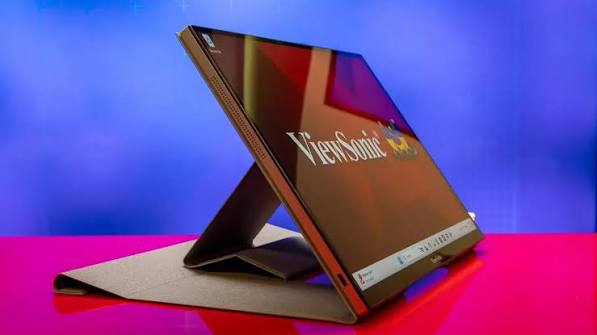
How We Choose the Products We Recommend
We don’t have a warehouse full of gear to physically put through its paces — what we do instead is disciplined research. For every guide, we start with the manufacturer’s published specifications and compare them directly against competing models in the same price range. We track real, current pricing across retailers, not list prices that never actually apply, so the numbers in our comparisons reflect what you’d actually pay today. And we read, in bulk, through verified customer reviews and independent expert coverage for each product, looking for recurring complaints, common praise, and the patterns a single glossy product page won’t tell you.
Where we’ve personally bought and used a product ourselves — currently true for many of the kitchen items we cover — we say so directly in the review, and that firsthand experience shapes what we highlight. For everything else, our pros-and-cons calls come from that cross-referenced research process, not a single source or a rewritten spec sheet. We revisit guides periodically as prices shift and new models launch, and we link to multiple retailers where possible so you’re not stuck with just one option.

Ugo Daniel researches, compares, and writes the buying guides on Wallstores, cross-checking manufacturer specs, verified pricing, and real customer feedback across tech, home, fitness, and pet categories. He’s personally bought and used many of the kitchen appliances featured on the site, and draws on that firsthand experience in those reviews.
Last updated: October 2026 · Written by Ugo Daniel, founder of Wallstores
Portable monitor specs look simple at a glance, but the numbers that actually matter for day-to-day use aren’t always what brands lead with. Here’s what to check, based on comparing six current, real Amazon listings.


Resolution: 1080P vs. 2K and Beyond
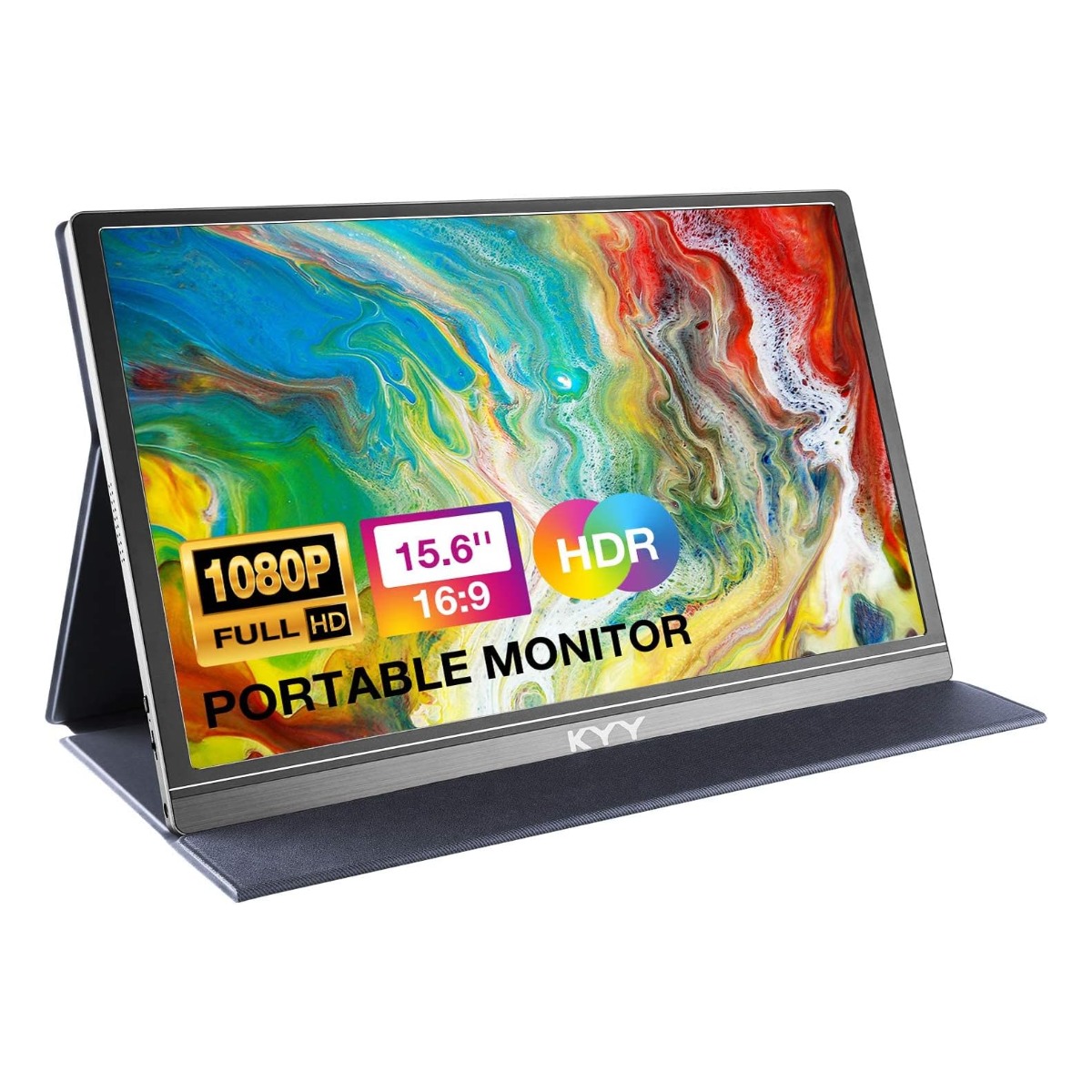
Most budget portable monitors, including four of the six we compared, use a standard 1080P (Full HD) panel. Stepping up to a 2K QHD panel like the cocopar’s noticeably sharpens text and images, but typically costs 3-4x more.
Refresh Rate Matters for Gaming and Motion
Standard portable monitors run at 60Hz, which is fine for productivity and video but can show motion blur in fast-paced games. A 120Hz panel, like the cocopar’s, makes a real difference for gaming specifically — but it’s a feature you pay a premium for.
USB-C Single-Cable vs. HDMI + Power
Most modern laptops with USB-C can run a portable monitor off a single cable for both video and power. Older laptops or non-USB-C devices (some consoles, for example) need HDMI for video plus a separate USB power source — check your device’s ports before assuming single-cable operation.
Built-In Speakers Are a Convenience, Not a Highlight
Every monitor we compared includes built-in speakers, but they’re uniformly basic across brands — useful in a pinch, not a reason to choose one model over another.
Protective Case Doubles as a Stand
Most portable monitors ship with a folding case that also functions as an adjustable stand. Check that this is included (most budget options include it) rather than sold separately.
Review Volume vs. Rating
A 4.4-star rating built on 13,200+ reviews (KYY) is a far more reliable signal than a similar or even higher rating built on a few hundred reviews from a newer or less-established model.
Bottom Line
Decide whether raw display quality (resolution, refresh rate) or price and proven reliability matters more to you — the budget and mid-range options in this category are all 1080P/60Hz, while meaningfully better specs come at a real price jump.
Related Guides
Ugo Daniel researches, compares, and writes the buying guides on Wallstores, cross-checking manufacturer specs, verified pricing, and real customer feedback across tech, home, fitness, and pet categories. He’s personally bought and used many of the kitchen appliances featured on the site, and draws on that firsthand experience in those reviews.