

How We Choose the Products We Recommend
We don’t have a warehouse full of gear to physically put through its paces — what we do instead is disciplined research. For every guide, we start with the manufacturer’s published specifications and compare them directly against competing models in the same price range. We track real, current pricing across retailers, not list prices that never actually apply, so the numbers in our comparisons reflect what you’d actually pay today. And we read, in bulk, through verified customer reviews and independent expert coverage for each product, looking for recurring complaints, common praise, and the patterns a single glossy product page won’t tell you.
Where we’ve personally bought and used a product ourselves — currently true for many of the kitchen items we cover — we say so directly in the review, and that firsthand experience shapes what we highlight. For everything else, our pros-and-cons calls come from that cross-referenced research process, not a single source or a rewritten spec sheet. We revisit guides periodically as prices shift and new models launch, and we link to multiple retailers where possible so you’re not stuck with just one option.

Ugo Daniel researches, compares, and writes the buying guides on Wallstores, cross-checking manufacturer specs, verified pricing, and real customer feedback across tech, home, fitness, and pet categories. He’s personally bought and used many of the kitchen appliances featured on the site, and draws on that firsthand experience in those reviews.
Last updated: October 2026 · Written by Ugo Daniel, founder of Wallstores
Digital photo frame listings tend to emphasize screen size and storage, but the details that actually shape day-to-day use aren’t always what’s highlighted. Here’s what to check, based on comparing six current, real Amazon listings.


The App Ecosystem Matters More Than the Hardware
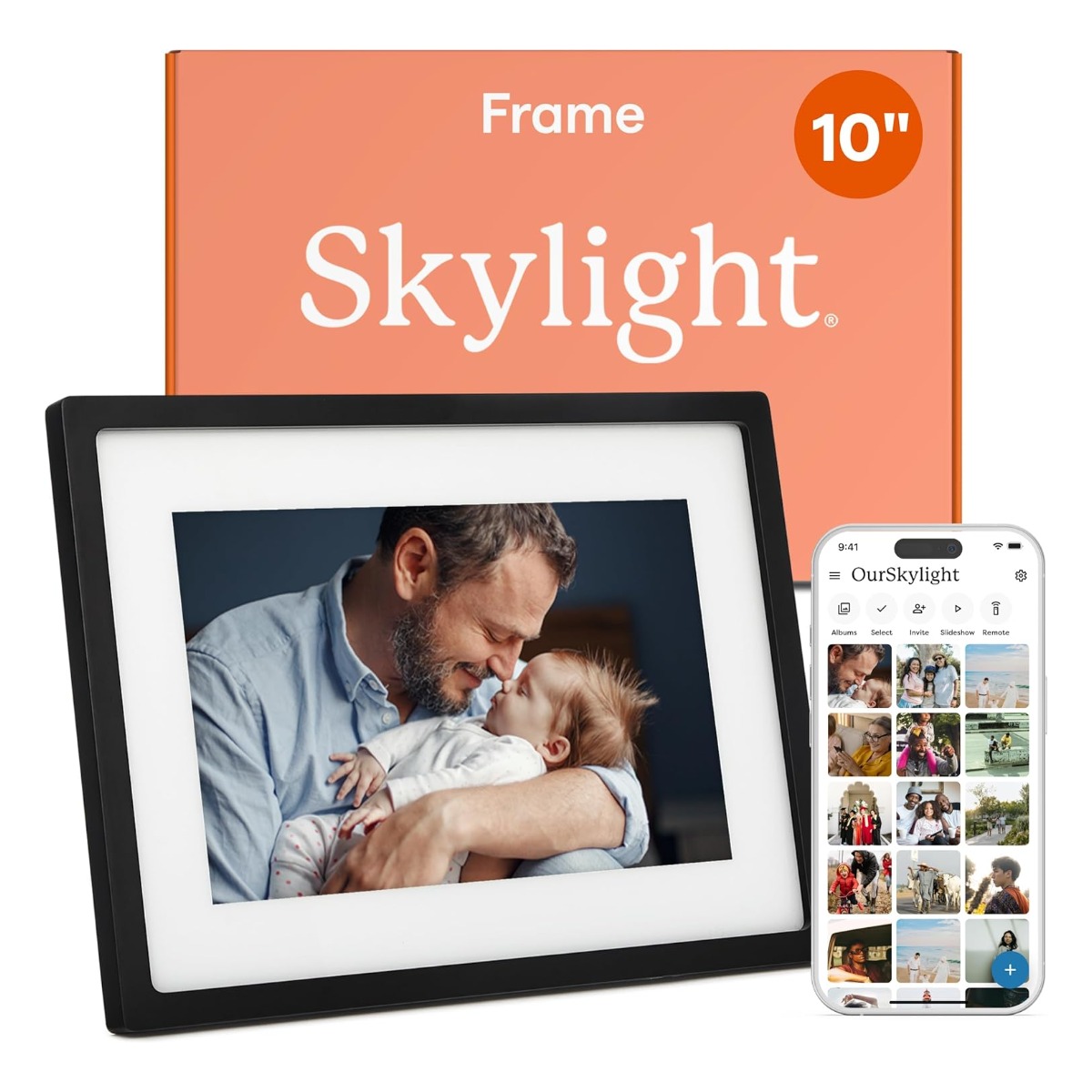
Every frame in our comparison relies on a companion app for family and friends to send photos. Premium brands like Skylight and Aura use proprietary, more polished apps; generic-brand frames mostly use a shared third-party app (Frameo, or AiMOR). Check which app a frame uses — if relatives already use Frameo-app frames elsewhere, a Frameo-branded frame may be the easier choice for them.
Built-In Storage vs. Cloud/Subscription Features
Most budget and mid-range frames include 32GB of built-in storage with no subscription required. Premium brands like Skylight sometimes gate advanced features (extra cloud backup, video playback limits) behind a paid subscription tier — check the fine print before assuming full functionality is included.
Touchscreen vs. Remote/App-Only Control
Every frame we compared has a touchscreen for in-person navigation, in addition to app-based photo sending. Confirm touchscreen is included if you want to browse photos or adjust settings directly on the frame rather than only through a phone.
Resolution Is Modest Across the Category
Most digital photo frames, including every budget and mid-range model here, use a 1280×800 IPS panel — good enough for photos viewed at a normal distance, but noticeably less sharp than a phone or tablet screen up close.
Auto-Rotate for Portrait and Landscape Photos
Look for auto-rotate support so portrait-orientation phone photos display correctly without manual cropping or black bars — a standard feature on current models but worth confirming on older or unusually cheap listings.
Gifting Considerations
If buying as a gift for a non-technical recipient, prioritize setup simplicity and brand support reputation over raw specs — this is exactly the audience Aura and Skylight both market to directly, and it’s reflected in their deep review histories.
Review Volume vs. Rating
A 4.7-star rating built on 27,500+ reviews (Skylight) is a far more reliable signal than the same rating built on a few thousand reviews from a newer or less-established brand.
Bottom Line
Decide whether brand polish and support (Skylight, Aura) or price and core functionality (AEEZO, Frameo) matters more for your specific recipient, then match screen size to where the frame will actually sit or hang.
Related Guides
Ugo Daniel researches, compares, and writes the buying guides on Wallstores, cross-checking manufacturer specs, verified pricing, and real customer feedback across tech, home, fitness, and pet categories. He’s personally bought and used many of the kitchen appliances featured on the site, and draws on that firsthand experience in those reviews.