
Disclosure: Wallstores is reader-supported. As an Amazon Associate, we earn from qualifying purchases made through links on this page, at no extra cost to you. Learn more.
How We Choose the Products We Recommend
We don’t have a warehouse full of gear to physically put through its paces — what we do instead is disciplined research. For every guide, we start with the manufacturer’s published specifications and compare them directly against competing models in the same price range. We track real, current pricing across retailers, not list prices that never actually apply, so the numbers in our comparisons reflect what you’d actually pay today. And we read, in bulk, through verified customer reviews and independent expert coverage for each product, looking for recurring complaints, common praise, and the patterns a single glossy product page won’t tell you.
Where we’ve personally bought and used a product ourselves — currently true for many of the kitchen items we cover — we say so directly in the review, and that firsthand experience shapes what we highlight. For everything else, our pros-and-cons calls come from that cross-referenced research process, not a single source or a rewritten spec sheet. We revisit guides periodically as prices shift and new models launch, and we link to multiple retailers where possible so you’re not stuck with just one option.

Ugo Daniel researches, compares, and writes the buying guides on Wallstores, cross-checking manufacturer specs, verified pricing, and real customer feedback across tech, home, fitness, and pet categories. He’s personally bought and used many of the kitchen appliances featured on the site, and draws on that firsthand experience in those reviews.
Last updated: October 2026 · Written by Ugo Daniel, founder of Wallstores
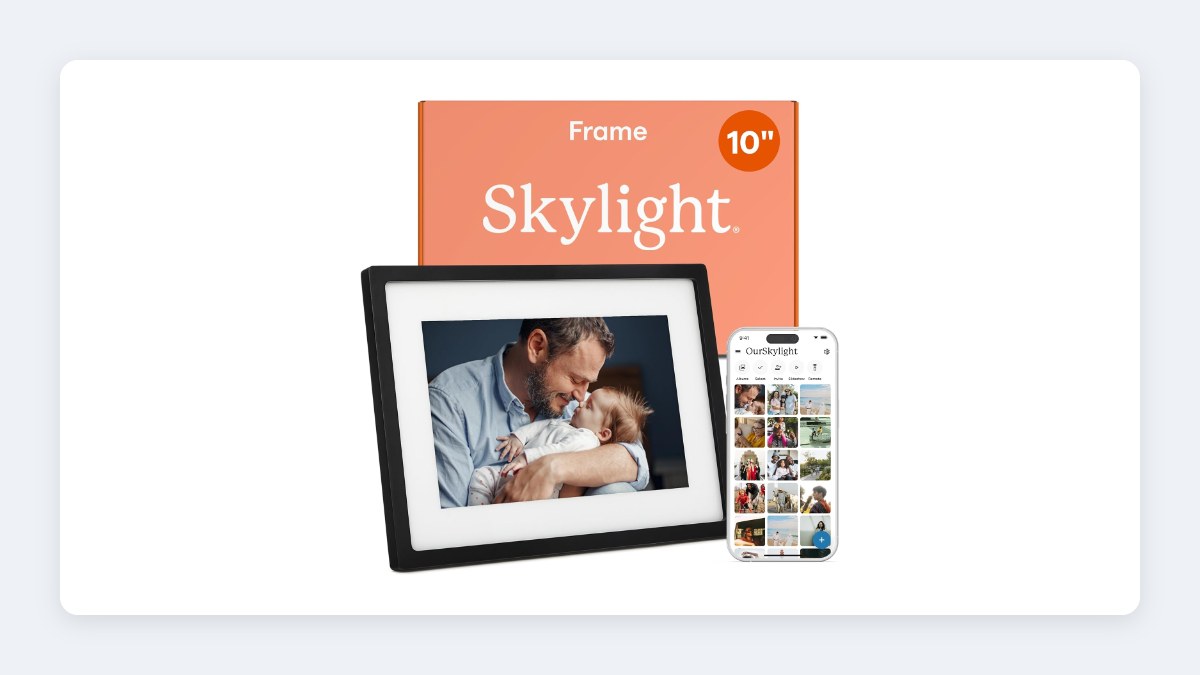
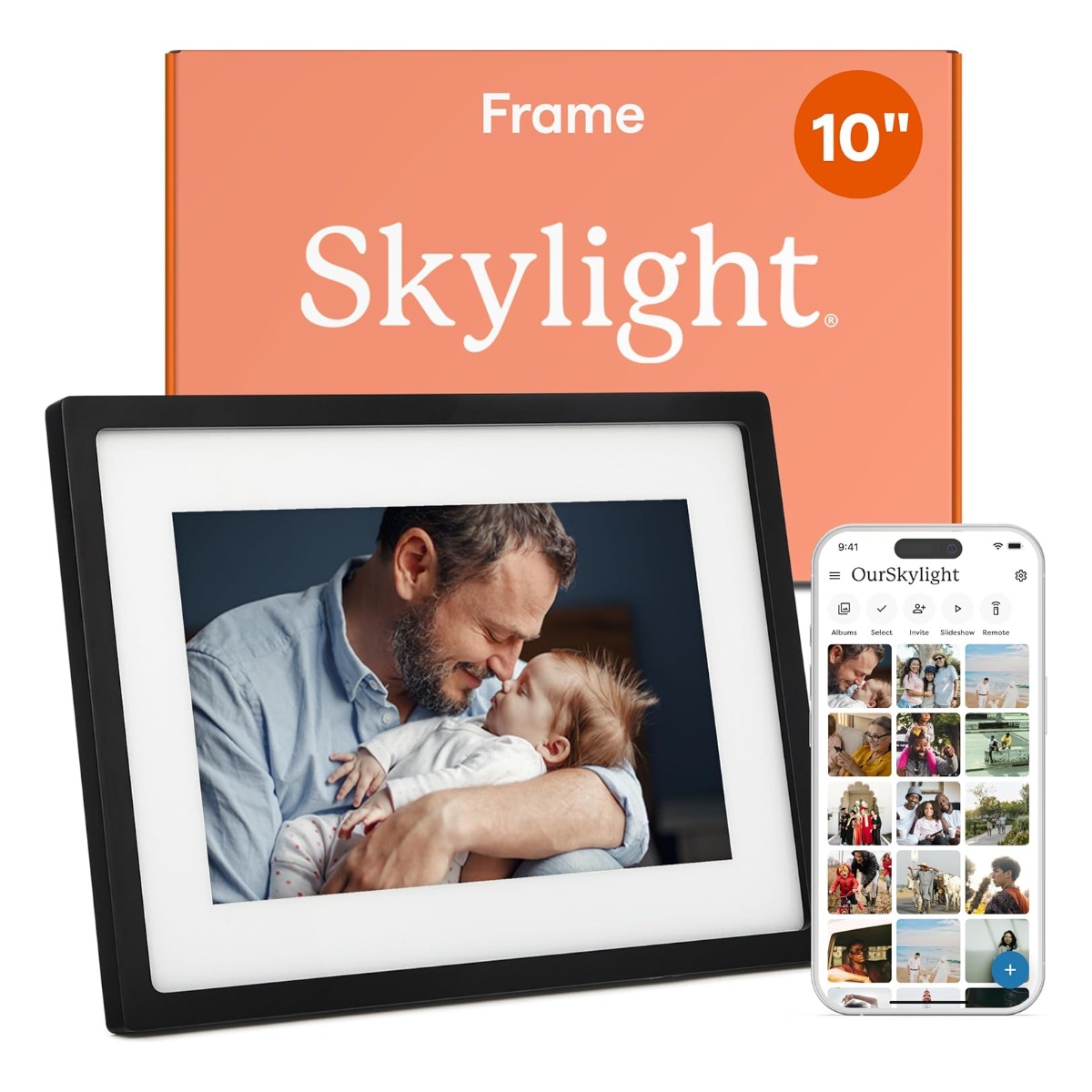
The Skylight Digital Picture Frame is the most-reviewed digital photo frame on Amazon, built around a simple “load from phone” experience. We took a close look at its live listing to see if the $139.99 price holds up in 2026.
How we research this review: the price, rating, and review count below come directly from the product’s live Amazon listing at the time of writing. We don’t accept free review units from this brand, and we don’t claim to have tested this unit ourselves — this review is built from verified specs and a close read of real buyer feedback, not a hands-on test.

Price: $139.99 · Rating: 4.7/5 (27,500 ratings) · See Price on Amazon →
What It Is
A 10-inch WiFi-connected digital photo frame that lets family and friends send photos straight to the frame from their phones using the Skylight app — no printing, no USB drives, no shared cloud account logins required.
Why We Selected It
With over 27,500 ratings at a 4.7-star average, it’s by far the most-reviewed digital photo frame on Amazon, with a long-established reputation and a polished, well-supported app.
Who It’s For
Buyers who want the single most trusted, lowest-risk digital frame — especially as a gift for parents or grandparents who want something simple that just works.
Who Should Avoid It
Budget shoppers — at $139.99, it costs roughly 2.5-3x generic-brand frames like AEEZO or Frameo that cover similar core functionality for less.
Pros
27,500+ ratings — the deepest track record of any frame in the category, Simple “load from phone” app experience with no technical setup, Polished app with a strong reputation for customer support, Popular, low-risk gift choice for non-technical recipients.
Cons
Most expensive pick in our comparison, No microSD card expansion on most models, Some advanced features require a Skylight Plus subscription.
Important Specs
10″ HD touchscreen · WiFi · proprietary Skylight app · “load from phone” simplicity.
What Type of Buyer Should Choose It
Buyers who want the single most trusted, gift-ready digital frame brand and are comfortable paying a premium for that track record.
Setup and Everyday Use
Setup happens on the frame and in the Skylight app. You connect the frame to Wi-Fi, activate it, and then invite family members to send photos. Each frame also gets its own email address, so relatives who prefer email can send photos as attachments without installing an app. After that, photos simply appear on the frame as they arrive, and the recipient can swipe through them, “like” favorites or adjust settings on the touchscreen.
Best Uses
- Gifts for parents and grandparents: family members do the work of sending photos, and the recipient only has to enjoy them.
- Long-distance families: new photos arrive within moments, which helps grandparents keep up with growing kids.
- Care homes and assisted living: the simple touchscreen and remote photo sending suit residents who do not use smartphones.
Limitations in Practice
- It needs home Wi-Fi to receive new photos, which rules it out for recipients without internet access.
- The 10-inch screen is best for a side table or desk, not a large wall.
- Some extras require a Skylight Plus subscription, so the basic price is not the whole story if you want those features.
Tips for Gifting
To make it a ready-to-enjoy gift, activate the frame and pre-load a batch of photos before you wrap it, then invite the family members who will send photos regularly. Include a short note with Wi-Fi setup instructions if the recipient is not comfortable with technology.
Frequently Asked Questions
Does the recipient need the app?
No. Senders use the app or email. The recipient only interacts with the frame itself.
Is Skylight Plus required?
No. The core photo-sharing experience works without it. The subscription adds extra features.
Compared to the Alternatives
At $149.00, the Aura frame is a close premium rival with a similar 4.7-star rating but a smaller 13,900-review base, positioned more specifically around gifting. For roughly a third of the price, generic-brand frames like AEEZO ($49.99) or Frameo ($59.48) deliver the same core “load from phone” experience with far less brand polish and a smaller review history.
Related Guides
Ugo Daniel researches, compares, and writes the buying guides on Wallstores, cross-checking manufacturer specs, verified pricing, and real customer feedback across tech, home, fitness, and pet categories. He’s personally bought and used many of the kitchen appliances featured on the site, and draws on that firsthand experience in those reviews.