
Disclosure: Wallstores is reader-supported. As an Amazon Associate, we earn from qualifying purchases made through links on this page, at no extra cost to you. Learn more.
How We Choose the Products We Recommend
We don’t have a warehouse full of gear to physically put through its paces — what we do instead is disciplined research. For every guide, we start with the manufacturer’s published specifications and compare them directly against competing models in the same price range. We track real, current pricing across retailers, not list prices that never actually apply, so the numbers in our comparisons reflect what you’d actually pay today. And we read, in bulk, through verified customer reviews and independent expert coverage for each product, looking for recurring complaints, common praise, and the patterns a single glossy product page won’t tell you.
Where we’ve personally bought and used a product ourselves — currently true for many of the kitchen items we cover — we say so directly in the review, and that firsthand experience shapes what we highlight. For everything else, our pros-and-cons calls come from that cross-referenced research process, not a single source or a rewritten spec sheet. We revisit guides periodically as prices shift and new models launch, and we link to multiple retailers where possible so you’re not stuck with just one option.

Ugo Daniel researches, compares, and writes the buying guides on Wallstores, cross-checking manufacturer specs, verified pricing, and real customer feedback across tech, home, fitness, and pet categories. He’s personally bought and used many of the kitchen appliances featured on the site, and draws on that firsthand experience in those reviews.
Last updated: October 2026 · Written by Ugo Daniel, founder of Wallstores
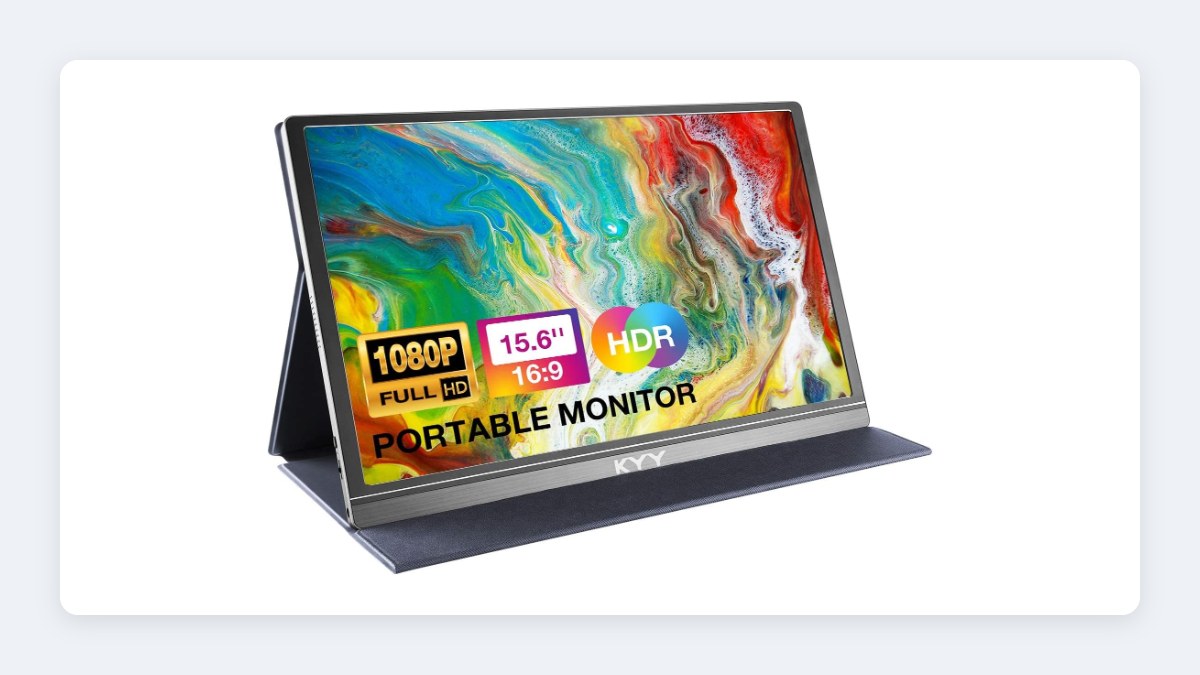
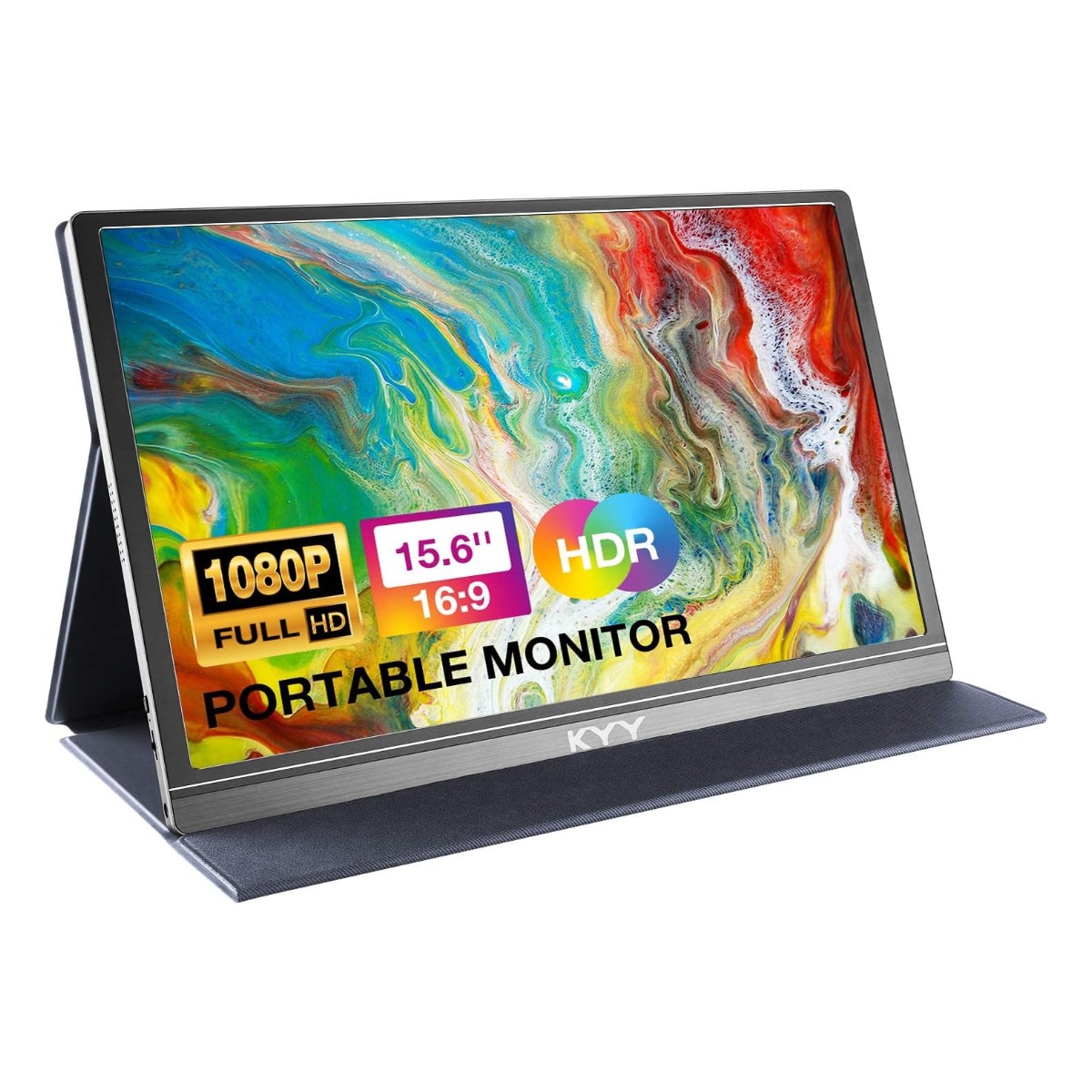
The KYY Portable Monitor is one of the most-reviewed 15.6-inch screen extenders on Amazon. We took a close look at its live listing to see if it still holds up in 2026.
How we research this review: the price, rating, and review count below come directly from the product’s live Amazon listing at the time of writing. We don’t accept free review units from this brand, and we don’t claim to have tested this unit ourselves — this review is built from verified specs and a close read of real buyer feedback, not a hands-on test.

Price: $59.49 · Rating: 4.4/5 (13,200 ratings) · See Price on Amazon →
What It Is
A 15.6-inch, 1080P portable monitor that connects to a laptop, desktop, phone, tablet, or console over USB-C or HDMI, turning any device with a compatible port into a dual-screen setup in seconds.
Why We Selected It
With 13,200+ ratings at a 4.4-star average, it has one of the deepest track records of any portable monitor at this price, with broad compatibility across laptops, desktops, MacBooks, phones, and consoles.
Who It’s For
Buyers who want a proven, widely-compatible second screen for productivity, travel, or casual console gaming without paying for a higher-refresh premium display.
Who Should Avoid It
Buyers who specifically want a higher resolution or refresh rate than standard 1080P/60Hz — for that, a panel like the cocopar 2K/120Hz display is the better fit, at a significantly higher price.
Pros
13,200+ ratings — one of the deepest track records in the category, Works with laptops, desktops, MacBooks, phones, tablets, and consoles, Built-in speaker and included protective cover that doubles as a stand, USB-C single-cable operation on most modern laptops.
Cons
Standard 1080P resolution and 60Hz refresh rate — no high-end option, Some non-USB-C devices need a separate power source, Speakers are adequate but not a highlight.
Important Specs
15.6″ 1080P IPS · USB-C + HDMI · built-in speaker · included protective cover.
What Type of Buyer Should Choose It
Buyers who want the most proven, broadly-compatible portable monitor for everyday laptop, travel, and console use.
Setup and Everyday Use
With a modern laptop, setup can be as simple as plugging in one USB-C cable. The monitor gets both video and power, and your computer detects it as a second display. In Windows (Settings > Display) or macOS (System Settings > Displays), choose Extend to use it as a separate workspace rather than a mirror.
Not every USB-C port carries video. The port needs to support DisplayPort Alternate Mode, which is usually marked with a small DisplayPort or Thunderbolt symbol next to the port, or listed in your laptop’s specs. If your USB-C port only handles data and charging, you will need to use HDMI instead.
For long sessions, plug the KYY into a wall charger through its second USB-C port. It saves your laptop’s battery and avoids dimming or flicker at high brightness.
Best Uses
- Remote and hybrid work: keep email or chat on one screen and your main work on the other.
- Students: lecture notes on one side, assignment on the other.
- Travel: a dual-screen setup in a hotel room or at a client site.
- Casual console gaming: connect a PlayStation, Xbox or Switch dock over HDMI, with separate power for the monitor.
Limitations in Practice
- Like most budget portable monitors, it is noticeably dimmer than a good laptop screen and hard to use in direct sunlight.
- The folding cover works well on a flat desk but is less stable on a lap or soft surface.
- The 60Hz refresh rate is fine for work and video but not ideal for competitive gaming.
Frequently Asked Questions
Does the KYY work with a MacBook?
Yes, over USB-C. Some base-model MacBooks support a limited number of external displays, so check Apple’s specs if you already use another monitor.
Can I connect it to my phone?
Yes, if your phone supports USB-C video output, as many Samsung Galaxy models and recent USB-C iPhones do.
Compared to the Alternatives
At $59.99, the InnoView is nearly identical in price and specs, with a smaller review base (6,200). The MNN monitor drops to $49.99 with a comparable 12,600-review history. For a genuine step up in display quality, the cocopar 18.5″ 2K/120Hz panel costs roughly 4x more but delivers a noticeably sharper, smoother picture.
Related Guides
Ugo Daniel researches, compares, and writes the buying guides on Wallstores, cross-checking manufacturer specs, verified pricing, and real customer feedback across tech, home, fitness, and pet categories. He’s personally bought and used many of the kitchen appliances featured on the site, and draws on that firsthand experience in those reviews.