
Disclosure: Wallstores is reader-supported. As an Amazon Associate, we earn from qualifying purchases made through links on this page, at no extra cost to you. Learn more.
How We Choose the Products We Recommend
We don’t have a warehouse full of gear to physically put through its paces — what we do instead is disciplined research. For every guide, we start with the manufacturer’s published specifications and compare them directly against competing models in the same price range. We track real, current pricing across retailers, not list prices that never actually apply, so the numbers in our comparisons reflect what you’d actually pay today. And we read, in bulk, through verified customer reviews and independent expert coverage for each product, looking for recurring complaints, common praise, and the patterns a single glossy product page won’t tell you.
Where we’ve personally bought and used a product ourselves — currently true for many of the kitchen items we cover — we say so directly in the review, and that firsthand experience shapes what we highlight. For everything else, our pros-and-cons calls come from that cross-referenced research process, not a single source or a rewritten spec sheet. We revisit guides periodically as prices shift and new models launch, and we link to multiple retailers where possible so you’re not stuck with just one option.

Ugo Daniel researches, compares, and writes the buying guides on Wallstores, cross-checking manufacturer specs, verified pricing, and real customer feedback across tech, home, fitness, and pet categories. He’s personally bought and used many of the kitchen appliances featured on the site, and draws on that firsthand experience in those reviews.
Last updated: October 2026 · Written by Ugo Daniel, founder of Wallstores
Smart pet cameras and feeders range from $45 general security cameras to $184 dog-specific devices with treat tossers, and the feature differences matter more than the price tag alone. Here’s what to actually check, based on comparing six current, real Amazon listings.

Camera-Only vs. Feeder-Only vs. Combo
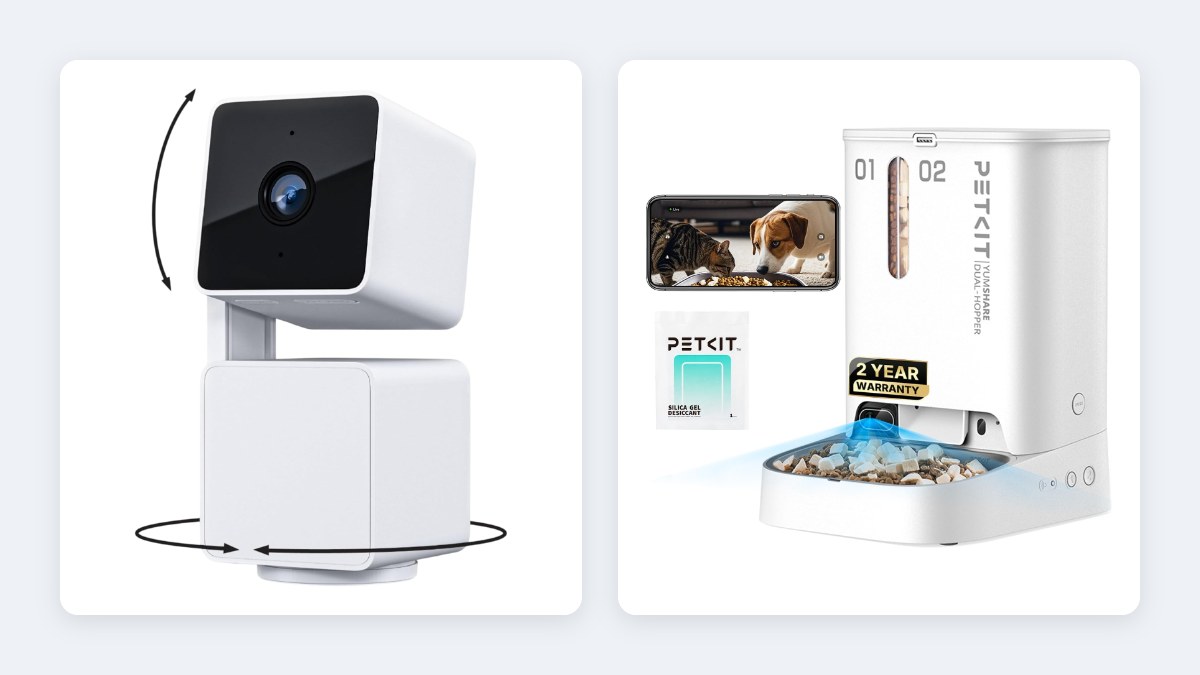
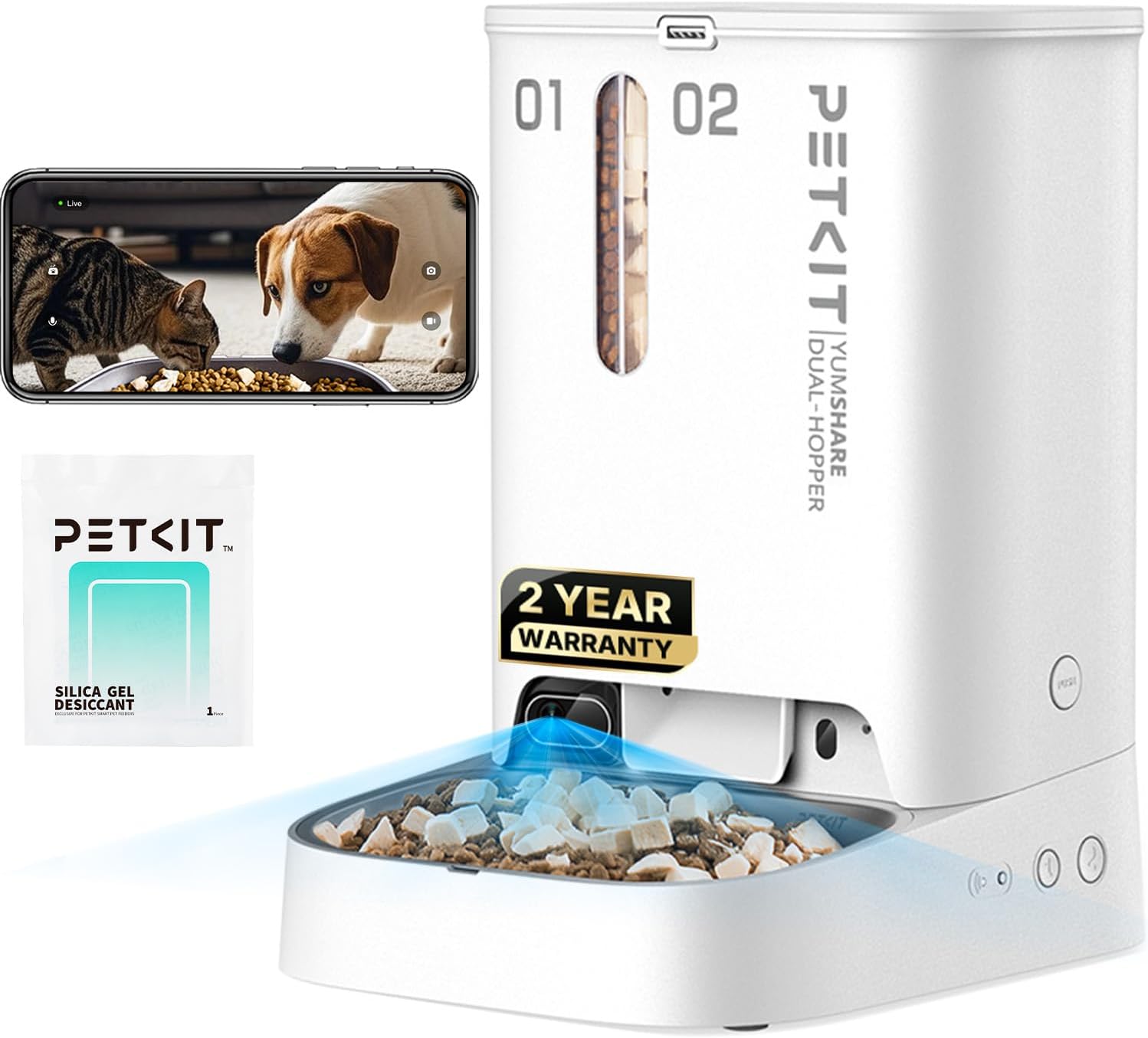
These are three different products wearing similar marketing language. A camera-only device (like the WYZE Cam Pan v3 or Furbo models) lets you watch and talk to your pet but doesn’t dispense food on a schedule. A feeder-only device (like the PetSafe Smart Feed) automates meals precisely but gives you no video at all. A combo device (like PETLIBRO’s or PETKIT’s feeder-cameras) does both, usually with more mixed app reviews than single-purpose products. Decide which job you actually need done before comparing prices.
Watch for the “No AI Alerts” Fine Print
Several Furbo listings are explicitly split into a “Core Features, No Ongoing Cost” version and a subscription-enabled version with AI bark/breed detection. If a listing’s title mentions “No AI Alerts,” that’s not a flaw — it’s a different product tier, and you’ll need Furbo’s separate Dog Nanny subscription to add AI alerts later.
Camera Rotation vs. Fixed Angle
A rotating camera (like the Furbo 360) follows motion around a room; a fixed-angle camera (like the Furbo Mini or most feeder-cameras) only sees one static view. If your pet has the run of a room, rotation matters more than it sounds.
Subscription Requirements
Check specifically what requires a subscription: extended cloud video history is the most common paywalled feature (true of Wyze and many budget cameras), while some brands paywall AI detection features instead. “No subscription required” claims usually apply only to core live-view and basic alert functions.
Review Volume vs. Rating
A 4.3-star rating built on 33,000+ reviews (Wyze) or 9,000+ reviews (Furbo) is a far more reliable signal than a 4.5-star rating built on 414 reviews from a newer feeder-camera brand. Newer combo devices can still be good, but they carry more uncertainty.
Wi-Fi and App Requirements
Almost every smart pet camera and feeder connects over Wi-Fi, and many only support the 2.4 GHz band. If your router combines 2.4 GHz and 5 GHz under one network name, setup can fail until you separate them or use the router’s 2.4 GHz-only option. Check the listing’s network requirements before you buy, and make sure the spot where the device will sit gets a solid signal. A camera that keeps dropping offline is worse than no camera at all.
It is also worth reading recent app reviews, not just product reviews. With these devices the app is the product: scheduling meals, viewing video and getting alerts all happen there.
Video Quality, Field of View and Night Vision
1080p is enough to see what your pet is doing; higher resolution mainly helps with digital zoom. Field of view matters more than pixel count. A wide angle (around 130° or more) covers most of a small room from a corner, while a narrower lens needs careful placement. Night vision is standard on most current models, which is useful because pets are often most active when you are away in the evening.
Feeder Details That Matter Day to Day
- Hopper capacity: a larger hopper means fewer refills. Compare it against how much your pet eats per day.
- Kibble size: most feeders only handle dry kibble within a certain size range. Wet food, raw food and very large kibble usually will not work.
- Freshness: look for a sealed lid and a desiccant pack holder to keep food from going stale or attracting insects.
- Power backup: many feeders can run on backup batteries, so meals still dispense during a power cut. That is a real advantage over camera-only devices.
- Cleaning: a removable, dishwasher-safe stainless steel bowl is easier to keep hygienic than a fixed plastic tray.
Placement and Pet Safety
Put the device where your pet cannot easily knock it over or chew the power cable. Cats in particular love to swat at feeders, so a heavy base or a wall-adjacent spot helps. Keep cameras at a height where they can see the floor, and avoid pointing them at a bright window, which washes out the picture during the day.
Privacy and Security
A pet camera is an internet-connected camera inside your home. Use a strong, unique password for the app, turn on two-factor sign-in if it is offered, and keep the firmware updated. Many cameras have a privacy mode or schedule that turns the camera off when you are home. Use it.
Frequently Asked Questions
Do dog cameras work for cats?
The camera, audio and alerts work fine for cats. Treat tossers are designed around dog treats, so you may need small cat treats that fit the dispenser.
Will a feeder keep working if the Wi-Fi goes down?
Many automatic feeders store their schedule on the device, so they keep dispensing meals offline. You just lose remote control and notifications until the connection returns. Check the listing to confirm.
Do I need a subscription?
Live view and basic alerts are usually free. Cloud video history and AI features such as bark detection are the most common paid extras.
Bottom Line
Match the device to the actual job: pick a feeder if scheduled meals are the problem, a camera if visual check-ins are the problem, and only pay for a combo device if you genuinely need both and can tolerate a slightly less polished app experience than single-purpose products.
Related Guides
Ugo Daniel researches, compares, and writes the buying guides on Wallstores, cross-checking manufacturer specs, verified pricing, and real customer feedback across tech, home, fitness, and pet categories. He’s personally bought and used many of the kitchen appliances featured on the site, and draws on that firsthand experience in those reviews.