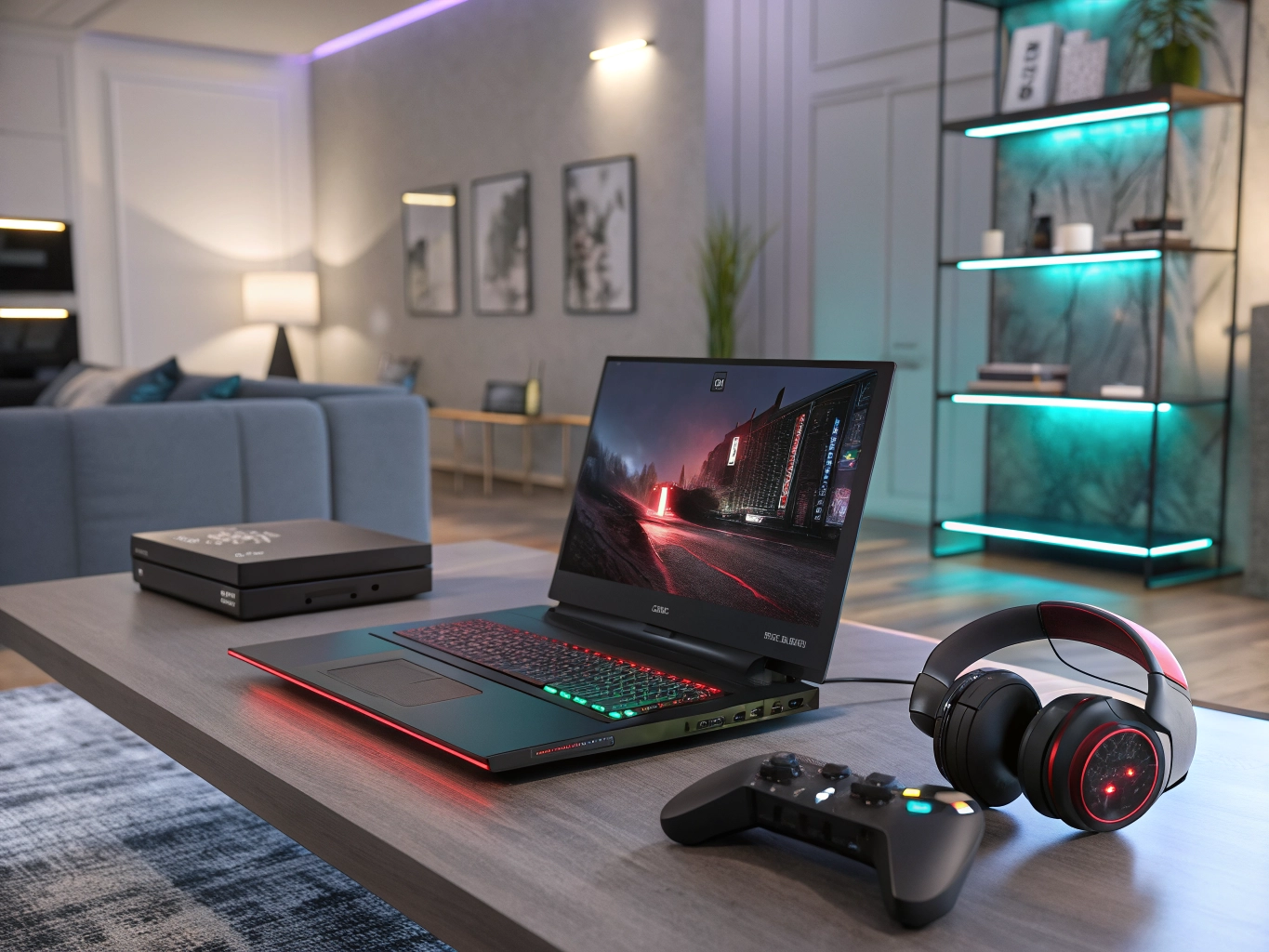
A dedicated gaming laptop still comes down to one tradeoff: how much GPU can you get for your budget without turning the machine into a space heater. We compared five current picks spanning true budget builds to flagship desktop-replacements, looking at GPU tier, display refresh rate, and portability so you can match a laptop to how and where you actually play.
Quick Comparison
| Laptop | Best For | GPU | Display | |
|---|---|---|---|---|
| Acer Nitro V 15 | Best Budget Pick | RTX 4050 | 15.6″ FHD 144Hz | See Price on Amazon → |
| ASUS ROG Strix G16 (2025) | Best Value / All-Rounder | RTX 5060 | 16″ FHD+ 165Hz | See Price on Amazon → |
| Lenovo Legion Pro 5 | Best for 1440p Performance | RTX 4070 | 16″ WQXGA 165Hz | See Price on Amazon → |
| ASUS ROG Zephyrus G14 (2025) | Best for Portability | RTX 5070 Ti | 14″ 3K OLED 120Hz | See Price on Amazon → |
| Razer Blade 16 (2026) | Best Premium / High-End | RTX 5090 | 16″ QHD+ 240Hz OLED | See Price on Amazon → |
1. Acer Nitro V 15 — Best Budget Pick
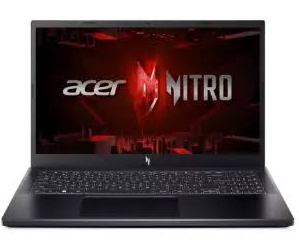 The Nitro V 15 is the cheapest way onto this list, pairing an RTX 4050 with a genuinely fast 144Hz panel — a combination you’d expect to pay a lot more for. It won’t max out demanding AAA titles, but for esports games like Valorant or CS2 it has more than enough headroom.
Pros: lowest entry price of any RTX laptop here, 144Hz panel is great for esports, solid Core i7 CPU for the price tier.
Cons: the RTX 4050 struggles at higher settings in heavier AAA titles, and the plastic chassis and battery life are clearly built to a budget.
2. ASUS ROG Strix G16 2025 — Best Value / All-Rounder
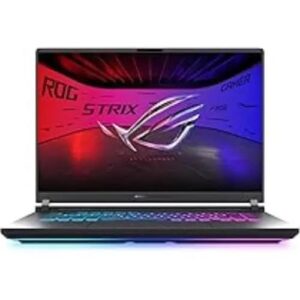 The Strix G16 sits in the sweet spot most readers land in: a current-generation RTX 5060, a smooth 165Hz display, and Wi-Fi 7, all in ASUS’s sturdy ROG build. It’s the default recommendation if you want strong 1080p-to-1440p performance without stepping up to premium pricing.
Pros: excellent price-to-performance with a current-gen GPU, sturdy ROG build quality, 165Hz is smooth for both competitive and AAA titles.
Cons: 16GB of RAM is a little tight for heavy multitasking or streaming while gaming, and fan noise picks up under full load.
3. Lenovo Legion Pro 5 — Best for 1440p Performance
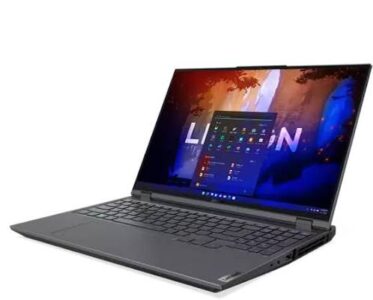 Step up to an RTX 4070 and the Legion Pro 5 starts pushing real 1440p settings rather than just 1080p. It also ships with 32GB of RAM standard, which matters if you stream or keep a browser full of tabs open while you play.
Pros: RTX 4070 delivers a real step up for 1440p, 32GB RAM out of the box, sharp high-resolution WQXGA panel.
Cons: bulkier and heavier than the more portable options here, and battery life drops fast under gaming load.
4. ASUS ROG Zephyrus G14 2025 — Best for Portability
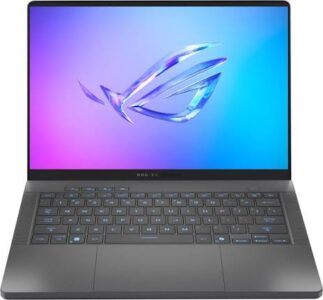 The Zephyrus G14 packs an RTX 5070 Ti into a 14-inch chassis that weighs a little over three pounds — remarkable performance density for something you can carry around all day. The 3K OLED display also makes it a genuinely good laptop for photo or video work, not just gaming.
Pros: outstanding performance-per-pound in a compact 14″ chassis, gorgeous 3K OLED display, doubles well as a creator laptop.
Cons: premium price for the screen size, 120Hz refresh is lower than the 16″/17″ competitors, and it runs warm under sustained load.
5. Razer Blade 16 2026 — Best Premium / High-End
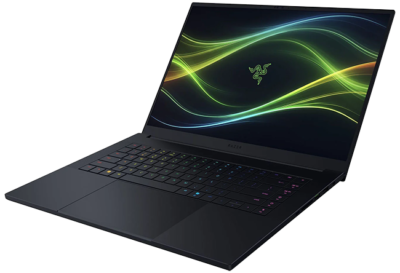
The Blade 16 is for readers who simply want the fastest laptop GPU on the market and a chassis to match — an RTX 5090 driving a 240Hz OLED panel in Razer’s signature CNC-aluminum build. It’s a serious investment, but it plays everything at settings the rest of this list can’t touch.
Pros: best-in-class raw GPU performance for high-refresh 1440p/4K gaming, class-leading premium build, gorgeous 240Hz OLED panel.
Cons: very expensive relative to the performance-per-dollar of the mid-range picks, and it runs hot and loud under sustained max load.
How to Choose a Gaming Laptop
GPU tier matters more than CPU: for gaming specifically, the graphics card is the single biggest driver of frame rates — don’t overspend on CPU at the expense of GPU tier. Match refresh rate to GPU: a 240Hz panel is wasted if your GPU can’t push frame rates that high in the games you actually play. RAM: 16GB is workable, but 32GB gives real headroom if you stream, record, or multitask while gaming. Portability vs. thermals: thinner, lighter chassis generally run hotter under sustained load — if you play for hours at a time, a slightly bulkier laptop often performs more consistently. Battery life: almost no gaming laptop lasts long unplugged during actual gameplay, so judge battery life by everyday browsing/work use, not gaming endurance.
FAQ
Do I need a desktop-replacement laptop, or is a thinner one fine? It depends on how you’ll use it. If it mostly stays on a desk, a thinner high-performance model like the Zephyrus G14 is a great fit; if you want maximum sustained performance and don’t mind the extra weight, the Legion Pro 5 or Blade 16 will run cooler under long sessions.
Is 16GB of RAM enough for gaming in 2026? For gaming alone, generally yes. It starts to feel tight if you also stream, record footage, or keep a heavy browser session open at the same time — in that case 32GB is worth prioritizing.
How much should I budget for a laptop that can handle current AAA games at 1440p? Realistically, an RTX 4070-tier GPU or better is where 1440p gaming starts to feel comfortable at higher settings, which today generally means budgeting somewhere in the $1,400–$2,000 range.
Do gaming laptops make sense for work/creative tasks too? Yes — the same GPU and RAM that help with gaming also help with video editing, 3D work, and other GPU-accelerated creative software, so a gaming laptop often doubles well as a creator machine.
Affiliate disclosure: As an Amazon Associate, WallStores earns from qualifying purchases. Prices and availability shown on Amazon at the time of your visit — click through for current pricing.