


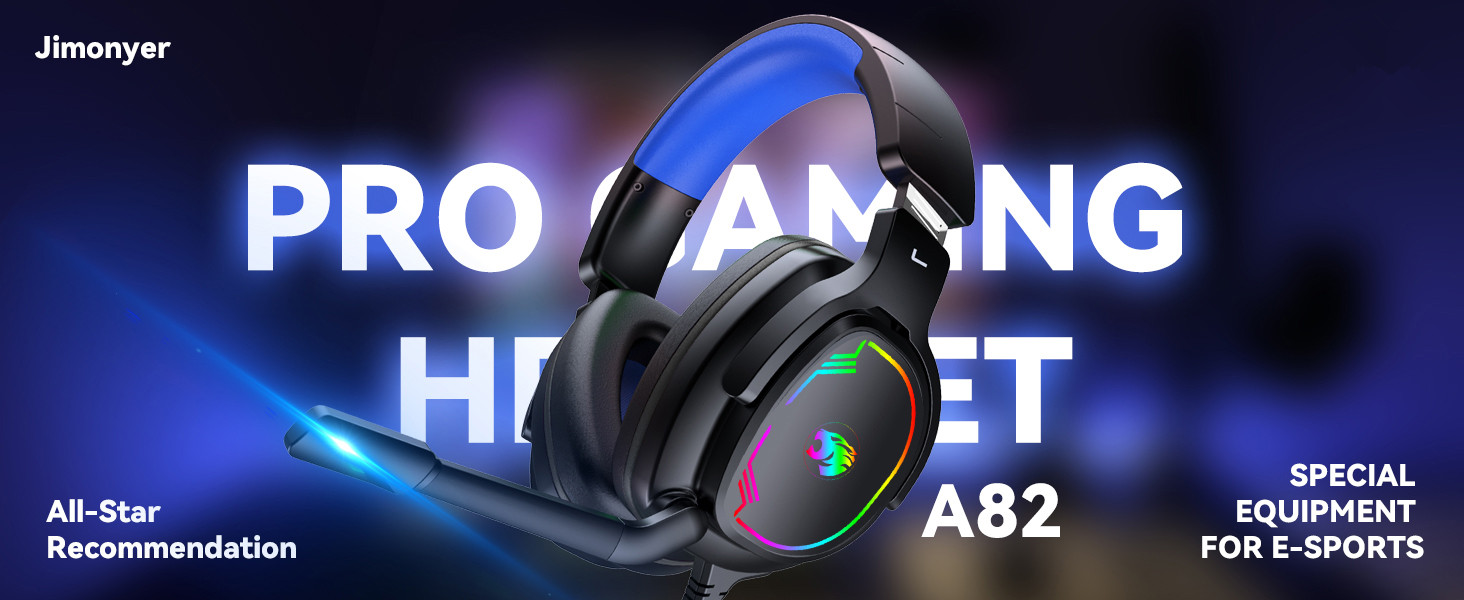
Jimonyer Gaming Headset with Mic, 7.1 Surround Sound Over Ear Headphones, Noise Cancelling, RGB, Soft Memory Earmuffs for PC, PS5, PS4, Xbox Series X/S, Switch (Blue)
$19.99
Price: $19.99
(as of May 26, 2026 01:32:10 UTC – Details)
Product description

 Elevate Your Audio Experience
Transform your listening with our 50mm drivers
– dive into unparalleled audio immersion
 Focused Clarity,Reduced Noise
Unidirectional mic filters ambient noise, capturing your voice
clearly in a direct, focused manner.
 Superior Comfortable
Tailored for your ears: unique shape, soft leather
 One-Touch Volume Switch
Facilitate you to switch between
the game and the actual at any time

1 50mm drivers
2 Noise Canceling Mic
3 Superior Comfortable
4 One-Touch Volume Switch
5 Unique Hybrid Earmuff


How to make the mic get to work?
1) Connect the 1-to-2 jack splitter cable with the 3.5mm jack to work on PC.
2) Make sure insert the right jack (Pink for the microphone).
3)Adjust and rotate the 3.5mm interface until both sides of the headphones have smooth sound output.
How to light on the LED light?
The USB jack is help to light on the RGB light. If your device does not come with a USB jack, you can link the USB plug to a power bank or to a computer host or other USB charger.
How to connect PS4 PS5?
1.Insert the 3.5mm jack plug into the controller
2.Press the ps4 button or enter the settings system, there is a options, choose “adjust audio and devices”, “output to headphones”, then change to “all audio ”
3.Suitable for ps4 ps5 xbox one pc mac.
How to connect Xbox one?
1.Use the 3.5mm jack to connect the devices.
2.Check the Xbox settings to ensure set on the correct output mode.
3.Set on the mic input and volume, Adjust volume of the headset.
How do I check if the microphone is on?
Please check that you have turned on the mute button, the microphone mute button is located in the headset in-line control position.
【Wide Multi-Platform Compatibility】The Gaming Headset Works seamlessly with PC, PS5, PS4, Xbox Series X|S, Xbox One, Switch, Laptop, Mac and mobile phones via a 3.5MM audio jack; note that an extra Microsoft adapter (not included) is needed for old version Xbox One controllers
【Immersive 7.1 Surround Sound & 50MM Neodymium Drivers】Our gaming headset with mic features high-density 50MM neodymium audio drivers and a large PET diaphragm, delivering crisp stereo sound, deep bass and precise positional audio. It boosts spatial awareness, helping you detect every enemy’s footsteps and gunshots in FPS, RPG and other games—while also offering an immersive experience for movies.
【Noise-Canceling Adjustable Microphone】Headset With Mic Adopts noise cancellation technology to effectively block background noise like keyboard clicks and ambient sound, ensuring clear, non-static voice communication with teammates; the 120° flexible and adjustable microphone with a larger pickup head improves sound capture by 50%, allowing you to adjust the position for optimal voice clarity
【Soft & Comfortable Design】The skin-friendly upgraded breathable permeability protein fit snugly without pressing your ears, and the earmuffs can be fine-tuned by 30° to fit various ear shapes, providing all-day comfort even during long gaming sessions; the adjustable headband adapts to different head sizes for a customized fit.
【RGB Light & Durable Build】Stylish RGB light adds a cool gaming atmosphere and enhances the visual appeal; the high-quality material ensures sturdiness and durability, making it suitable for daily gaming and long-term use