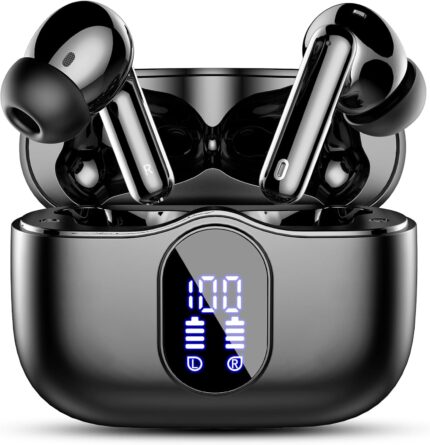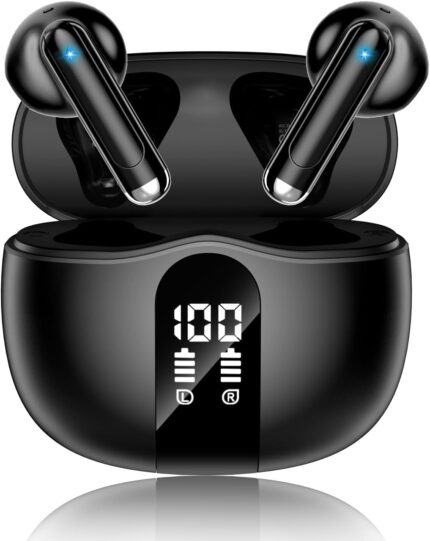

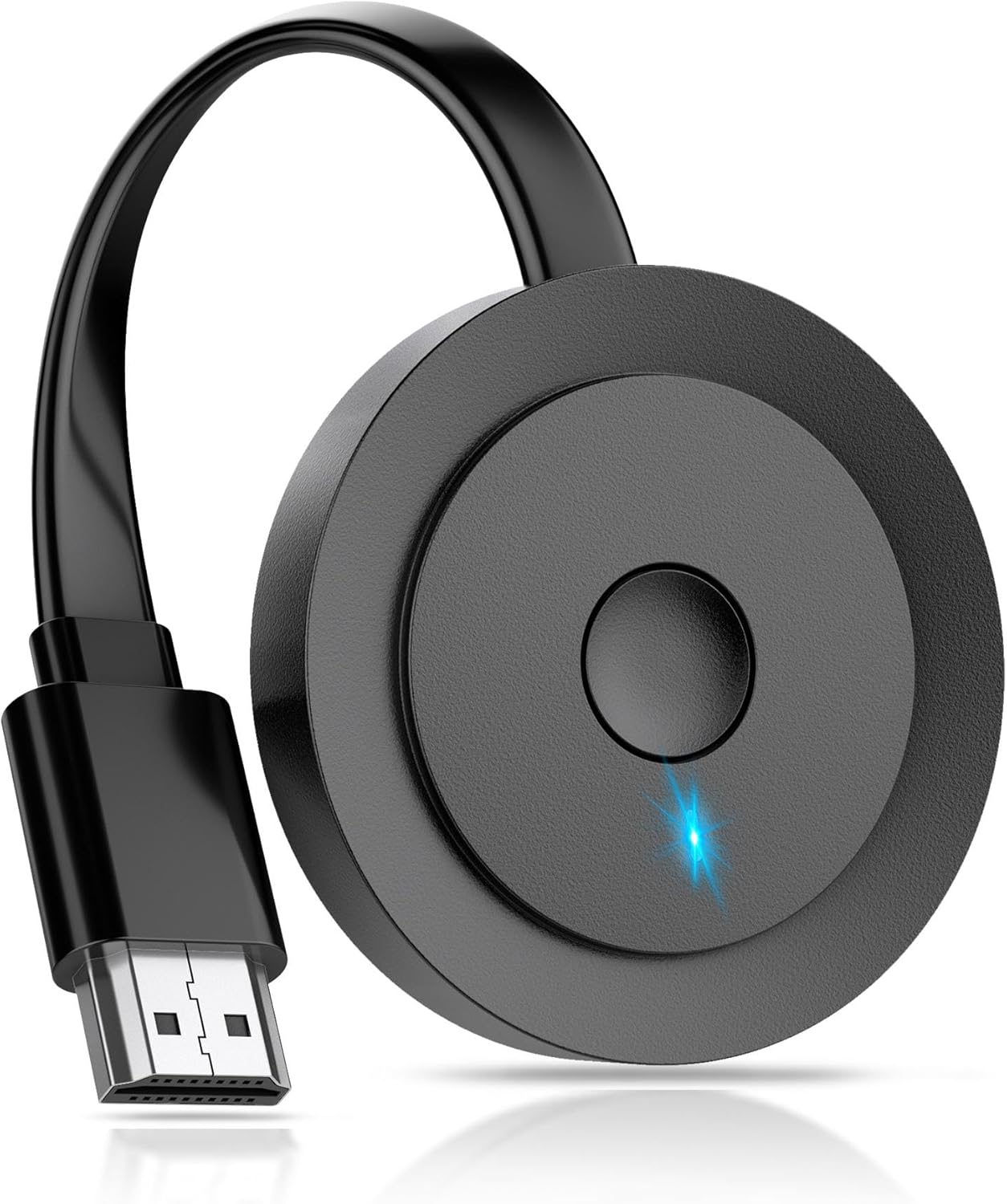


4K Wireless HDMI Display Adapter, Screen Mirroring Receiver for i-Phone, i-Pad, Android, Tablet, Laptop, Windows to HDTV/Monitor/Projector, HD Casting Video/Audio, Support AirPlay, Miracast, DLNA
$29.99
Price: $29.99
(as of Jun 04, 2026 00:22:10 UTC – Details)
From the brand
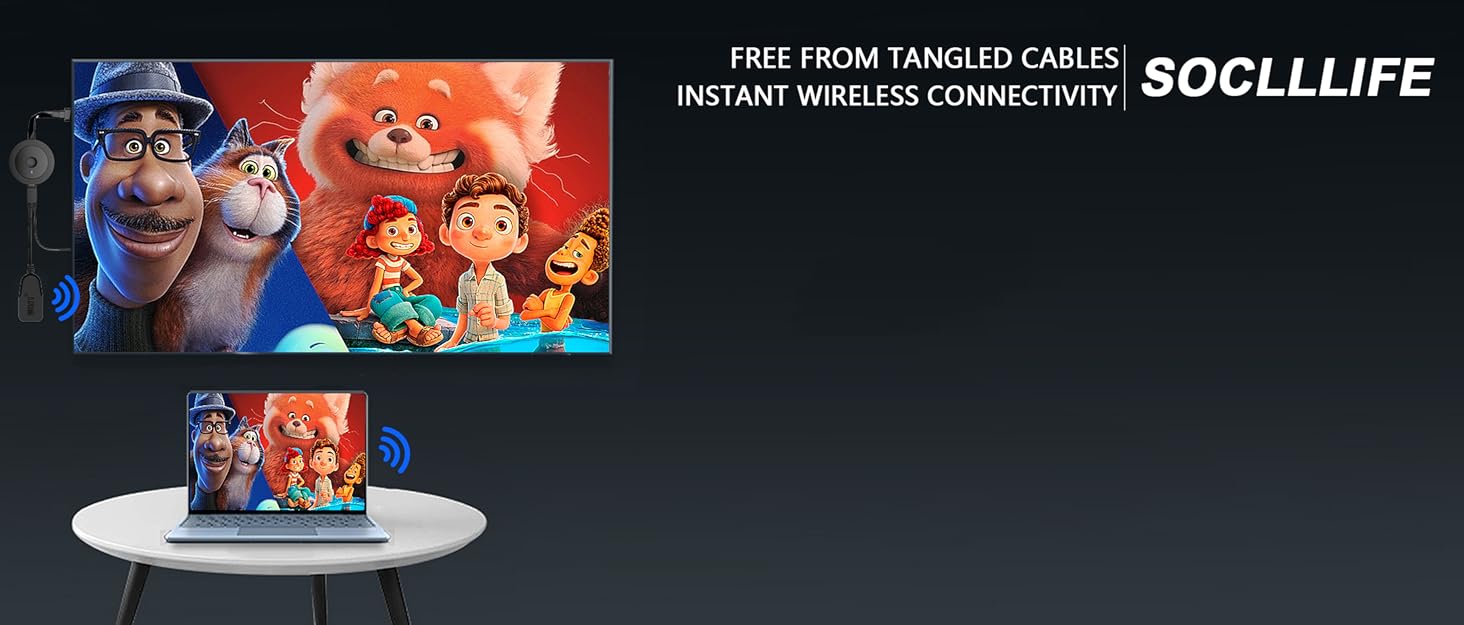
Wireless HDMI Display Adapter
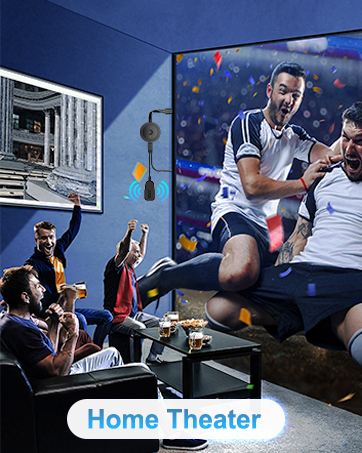

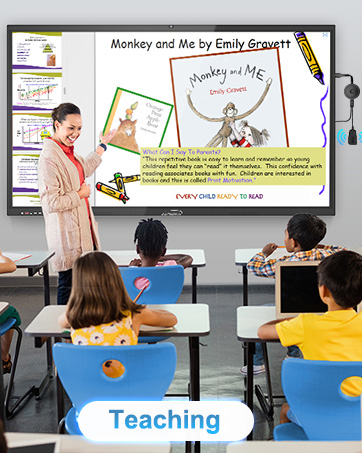
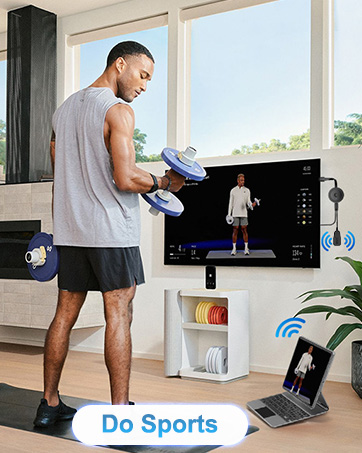
【ENJOY 4K CASTING WITHOUT CORDS】SOCLLLife Wireless HDMI Adapter mirrors 4K video and audio wirelessly from your i-Phone, i-Pad, MacBook, Android smartphones, tablets, laptops, and PC, on larger screens like TVs, monitors, and projectors. Say farewell to tangled HDMI cables and enjoy 4K casting experience at your living room or office
【BIG-SCREEN CASTING FROM ANDROID & WINDOWS】Our wireless HDMI adapter lets you cast Netfix, Prime Video, Sky Go, HBO Max, YouTube, and more—instantly from your Windows (≤ Win 10, not supported on Win 11) or Android device. Just plug and cast, you can enjoy smooth, high-definition series, movies, live sports, and shows on the big screen
【IOS MIRRORING WITH LIMITED APPS】Using SOCLLLife Wireless HDMI Adapter, you can cast videos, photos, web browsing, and presentations from your i-Phone (including i-Phone 17), i-Pad, or MacBook to your TV. Supports mirroring popular apps like Safari, YouTube, TikTok, Zoom, WhatsApp, and more. Note: Not compatible with HDCP-encrypted apps like Netfix, Prime Video, or Hulu
【QUICK SETUP & CONNECTION】No complicated app downloads or Bluetooth pairing required—plug the dongle into your TV, power it, and connect via your device’s mirror function. Truly enjoy HD video and audio with simple, wireless convenience. (Note: iOS users need an extra step to connect to the dongle’s wireless signal)
【MIRROR & EXTEND DISPLAY MODE】Our Wireless HDMI Dongle features mirror mode and extend mode. Use Mirror Mode to share your device’s content on TV in real-time, supporting 4K, 1080P or 720P resolutions. With the Extend mode, you can watch movies on TV while browsing your phone for other websites or apps simultaneously
【ONLINE UPGRADE NOTICE】Newer Google Pixel phone models or i-Phone 17 may need to upgrade the dongle’s chip online (access to IP address 192.168.203.1 to click “Upgrade”) for optimal performance. For upgrade assistance, feel free to contact us if needed